
How it works / 10 steps
From first property
to the whole business.
- 01
Set up your portfolio
Company profile, branches, bank accounts and chart of accounts.

Step / 01 - 02
Add properties
Location, type, ownership and photos for every building.

Step / 02 Step 2 / ConsoleDemo data- Status
- Complete
- Records
- 11
- 03
Add units
Flats, shops and floors with rent and status.

Step / 03 - 04
Add tenants & landlords
People linked to the units they live in or own.

Step / 04 - 05
Manage leases
Terms, deposits, renewals and expiry reminders.

Step / 05 Step 5 / ConsoleDemo data- Status
- Complete
- Records
- 20
- 06
Track rent
Expected, received and overdue — receipted automatically.

Step / 06 - 07
Manage maintenance
Tickets, technicians, inspections and costs.
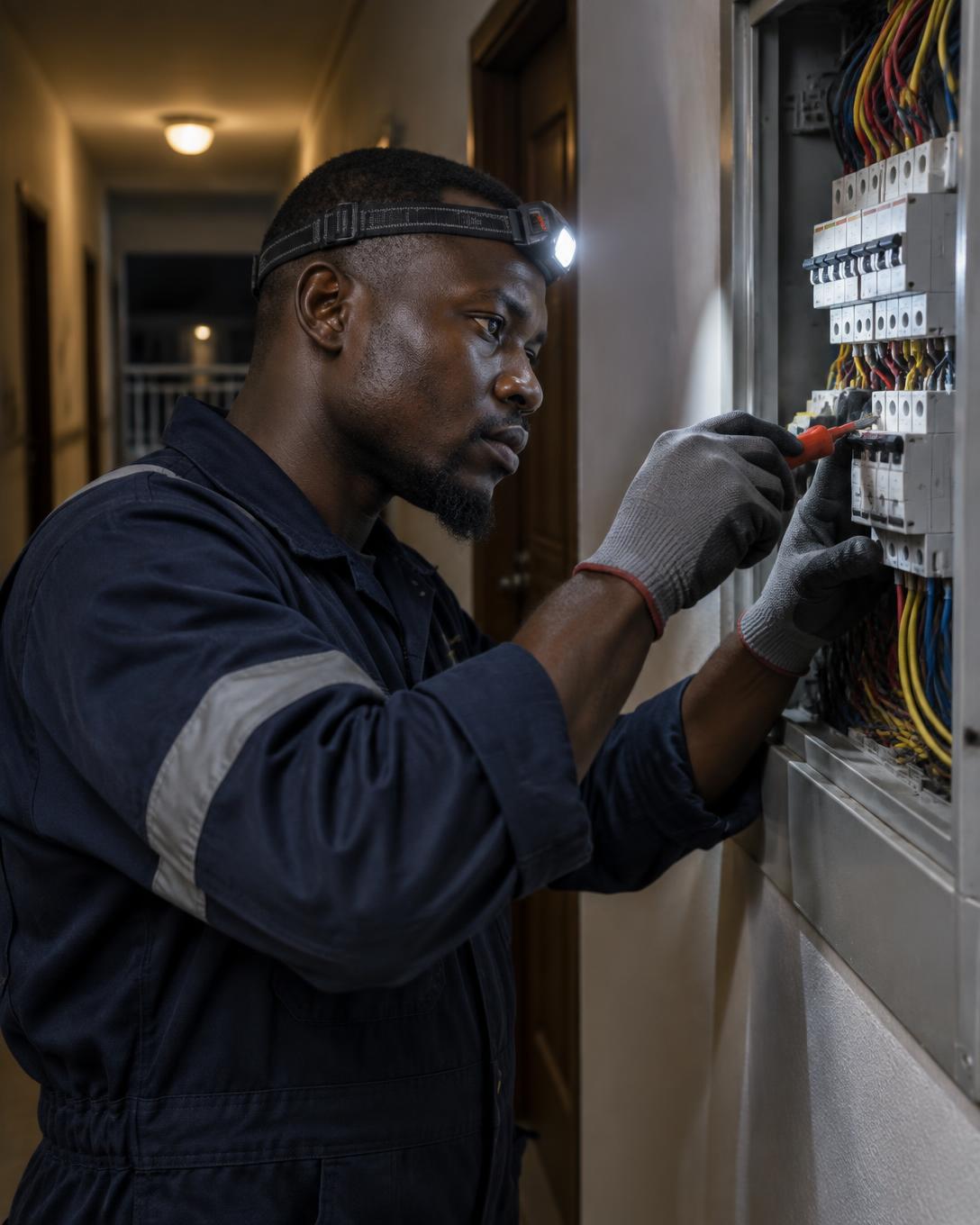
Step / 07 - 08
Monitor finance
Ledger, bank, payables, receivables and payouts.

Step / 08 Step 8 / ConsoleDemo data- Status
- Complete
- Records
- 29
- 09
Understand performance
Occupancy, collections and profitability by property.

Step / 09 - 10
Run the business
One workspace for people, property, money and operations.
Step / 10
Every step happens in the same Launch Console
FINRun it as one
Your properties are already moving.
Now run them as one business.
Bring properties, people, money and operations into one connected workspace.